Store
How to Create an Online Store From Your Phone
Create an online store from your phone: what to prepare, how to add products, how to receive orders and what to check before you share your link.

Rosa has sold baskets and woven goods at the door of her house for years. When her niece told her she should "have a store on the internet," she pictured an expensive website, a computer and some young man to run it. She ended up building it herself, sitting on the step, with the same phone she uses to talk to her children.
Creating an online store from your phone is no longer a job for experts. What does make the difference is preparing a little first and taking care of a few details afterwards. Here is the whole path.
What you need before you start
Before opening any app, have three things at hand: your products with good photos, their prices already worked out, and a clear idea of how you will deliver and get paid.
Photos carry the most weight. You don't need a studio, but you do need good light and a clean background; product photos with your phone covers the basics. Prices are better calculated than copied. And delivery should be decided in advance: do you deliver yourself, use a courier, or do people pick up?
Also prepare the basic texts: one sentence that says what you sell, your delivery area and your hours. It seems small, but those are the first things people check when they land in a store they don't know. Having them ready saves you improvising with a blinking cursor.
If you are still testing whether your product sells, it may help to read how to start selling online from scratch first.
Name, link and how it looks
Your store's name should be easy to say, spell and remember. If you already have a name people know in the neighborhood or on social media, use it. Avoid numbers, hyphens and words that are hard to spell over the phone.
The link matters just as much, because that is what you will share everywhere. With Selki your store sits at an address like selki.app/your-store, short and easy to say out loud. When you create it you type the business name, the app suggests the link under Your link and tells you if someone already has it; you tap Create store and it exists. Then you choose the logo, cover, colors, font and button style. To get an idea, compare Ember & Bun, a burger shop, with Linen & Loam, a clothing store: both are example stores made with Selki, and they look nothing alike with the same tool.
Then comes customization: your logo, a cover photo, the colors. It doesn't need to be perfect on day one, but it should look like yours. A cover with your real products builds more trust than any stock image.
Rosa chose a photo of her baskets in the sun as her cover, at the very door where she sells them. It isn't a magazine photo, but anyone from the neighborhood recognizes the spot instantly. That is worth more than a perfect image: it tells the customer there is a real person behind the store.
Add your first products
Start with a few. Ten or fifteen well-presented products are worth more than fifty with dark photos and half-written descriptions. Each one with a clear name, price, a short description answering what people usually ask and, if it has them, its size, color or flavor variants.
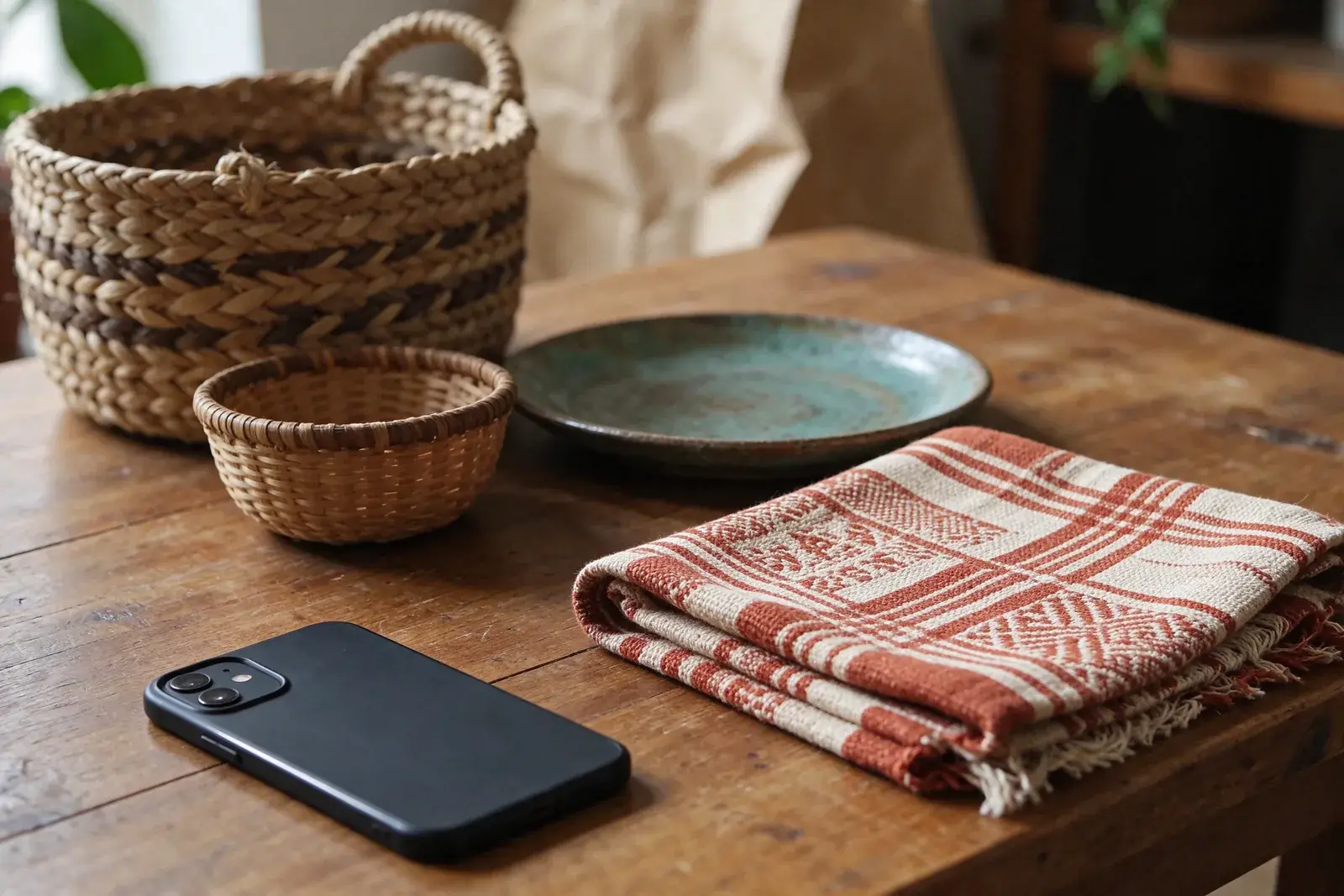
Don't wait until you have everything to publish. Publish what you have done well and add the rest each week.
In Selki, in the Products tab you tap New, take a photo of the product and the AI suggests a name, description and category; you review, correct and publish. If the background didn't come out well, Studio photo cleans it up. The free plan includes 10 AI reads per month, so use them first on the products with the most text to write.
Sort everything into a few categories with names your customers would use. How to create a digital catalog for your business has useful ideas.
Payments, delivery and one last check
Spell out your payment methods and delivery options in the store: whether you charge for shipping, how much, which areas you cover, how long it takes. Every doubt you answer there is one message fewer.

Think about timing too. If you make things to order, say so clearly: "orders need two days' notice." If you have stock ready, say when you ship. Clear expectations prevent most complaints, and a customer who knows when the order arrives waits calmly.
With Selki the customer fills a cart and the order arrives on your WhatsApp already written out, with products, quantities and total. Selki doesn't take payments online: your store shows the methods you accept and you arrange payment with the customer, as always.
Before sharing the link, do a full test. Open it on the phone of someone you trust, check the prices, make sure no sold-out products are showing and place a test order to see how it reaches you. Ten minutes of checking spares you the embarrassment of the first customer finding a mistake.
What to do in the first week
Share the link everywhere: your WhatsApp status, your Instagram profile, the groups where people already know you, and tell your regular customers personally. They are the first who will buy and the ones who will recommend you most.
Handle the first orders quickly and take great care with delivery. Ask those first customers what was hard to understand in the store; that information is gold. And each night, check whether anything sold out or a price needs changing.
Don't worry if the first week is slow. Online stores take a little while to get going, because people need to see the link a few times before they act. Keep sharing, keep improving photos and descriptions, and measure week to week, not day to day.
Selki's free plan includes 1 store, 50 products and 10 AI reads per month, and the store carries the Made with Selki mark. If your business grows and you need more, Pro removes the limits and the mark. You can see everything the app does at selki.app. For the orders that start coming in, how to sell on WhatsApp helps you close them without a mess.
Frequently asked questions
Do I need a computer to have an online store?
No. Today you can create the store, add products and handle orders from your phone alone.
What does Selki's free plan include?
The free plan includes 1 store, 50 products and 10 AI reads per month, and the store carries the Made with Selki mark. Pro removes the limits and the mark.
How do customers pay me?
Selki doesn't take payments online. Your store shows the methods you accept, like transfer or cash, and you arrange payment when the order arrives on WhatsApp.
How long does it take to be ready?
If you have your photos and prices at hand, one afternoon is enough to get your first products published.