Sales
How to Sell on Instagram With a Small Business
Profile, posts, stories and DMs: how to sell on Instagram without losing orders and send customers to a place where they can actually buy.
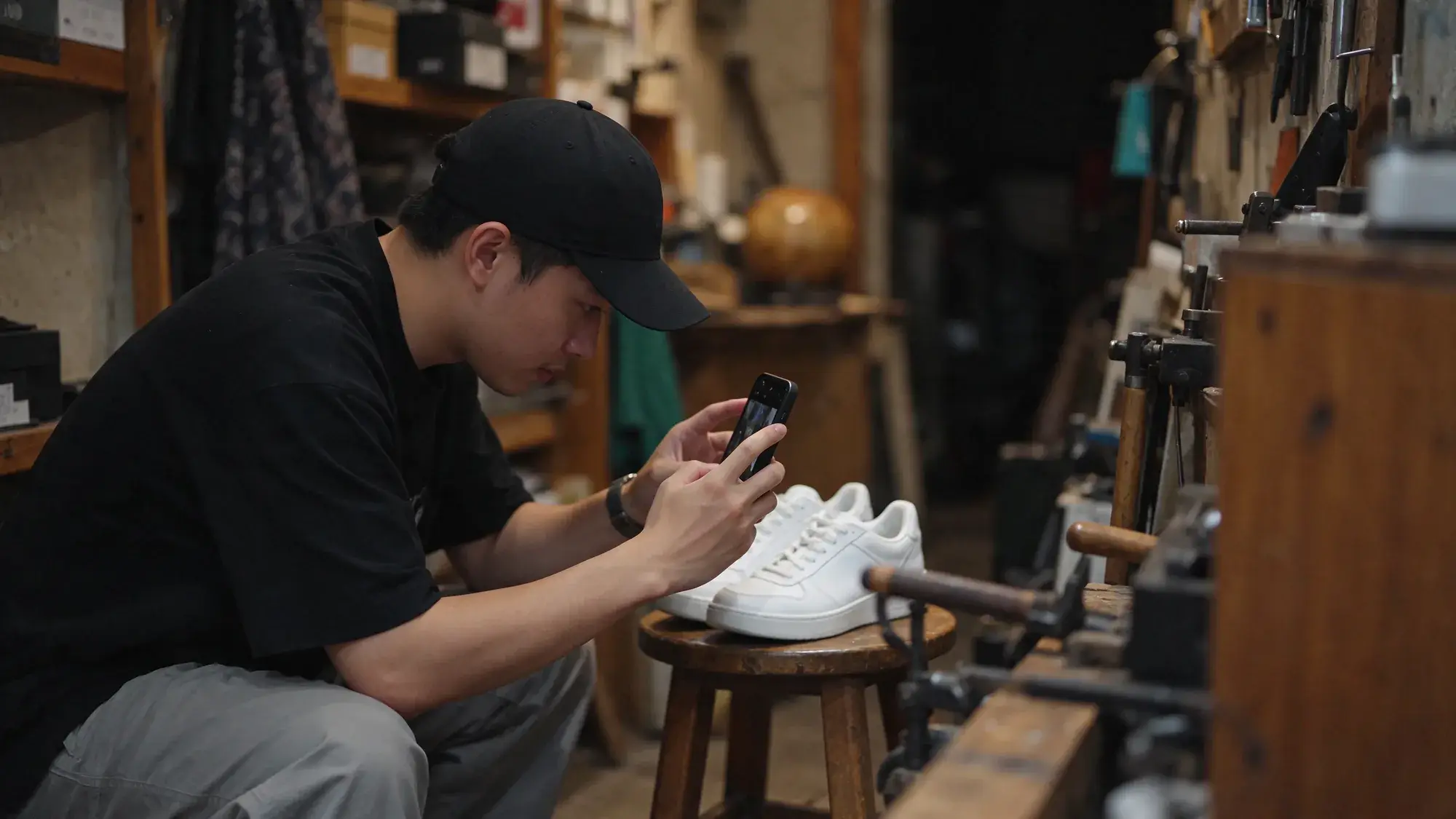
Javier repairs and resells sneakers in a tiny shop. For months he posted beautiful photos on Instagram and got lots of hearts but few orders. One day he changed just two things: he started putting the price on every photo and ending every post by saying where to buy. Sales didn't explode overnight, but for the first time people messaged him to buy instead of to ask.
Instagram is a huge shop window, but a window with no door doesn't sell. This guide is about exactly that: making sure the people who see you know how to buy from you.
Get your profile ready to sell
Your profile is the first thing someone who discovers you looks at. In a few seconds they need to understand what you sell, where and how to order. Use your logo or your most recognizable product as the photo, put a word people would search for in the name ("Restored Sneakers," "Custom Cakes") and write a two- or three-line bio that says it plainly.
Switch to a business account to get a contact button and insights. And put a useful link in your bio, the one that leads to your store or to a page with everything; link in bio for your business explains it step by step.
Story highlights are your permanent menu. Make a few: products, prices, shipping, customer reviews. That way newcomers find answers without messaging you.
Look at your profile from a friend's phone, as if you were arriving for the first time. Can you tell in five seconds what this business sells and how to buy? If not, fix that before posting more.
What to post and how often
Post your products, of course, but not only that. Show how you make them, how you pack them, how people use them. A short video of an order going out hooks people more than the tenth photo of the same product on a white background.

A mix that works: most posts are products with prices, and the rest are process, happy customers and a bit of your day. Photos matter a lot; to improve them without spending on gear, see product photos with your phone.
On frequency, what matters is being able to keep it up. Three posts a week for six months beat a week of daily posting followed by a month of silence.
A big help is preparing content in batches. One day a week you take photos and record short videos of several products, then post them over the week. That way you don't depend on inspiration striking or on having time on the exact day you need to post.
Stories, messages and the price question
Stories are the day-to-day part: what arrived today, what is left, a poll to choose the next color. They spark lots of conversations, and every conversation is a possible sale.
Every unanswered "price?" under a post is someone who had to work to buy from you.
"DM for price" scares off more customers than it attracts. Put the price in the post or on the image. Selki helps here: from a product you tap share and pick the banner, which comes out with the photo and the price, ready for stories or the feed. If you change the price later, the banner updates and you don't have to make it again.
For direct messages, keep saved replies for the common questions and answer as soon as you can. If the conversation is heading toward an order, take it to a place where you can handle it properly.
Watch the comments too. When someone asks something on a post, answer right there, because ten other people had the same question and didn't dare write. A public answer works for everyone who comes by later.
Where to send customers so they buy
Instagram isn't the best place to take orders. Messages get mixed up, details end up scattered and it is easy to lose one. What works is using Instagram to win people over and a link to close the sale.
With Selki that link is your Store. The customer sees every product with its price, fills a cart and the order arrives on your WhatsApp already written out, with products, quantities and total. Test it with Linen & Loam, an example clothing store made with Selki, as if you had just tapped through from a story: pick a piece and a size, add it to the cart and the order goes out on WhatsApp. From the app you share the Store or a single product on WhatsApp, in an Instagram story or with a QR code. I talk about closing the sale in chat in how to sell on WhatsApp, and selki.app shows how everything else works.
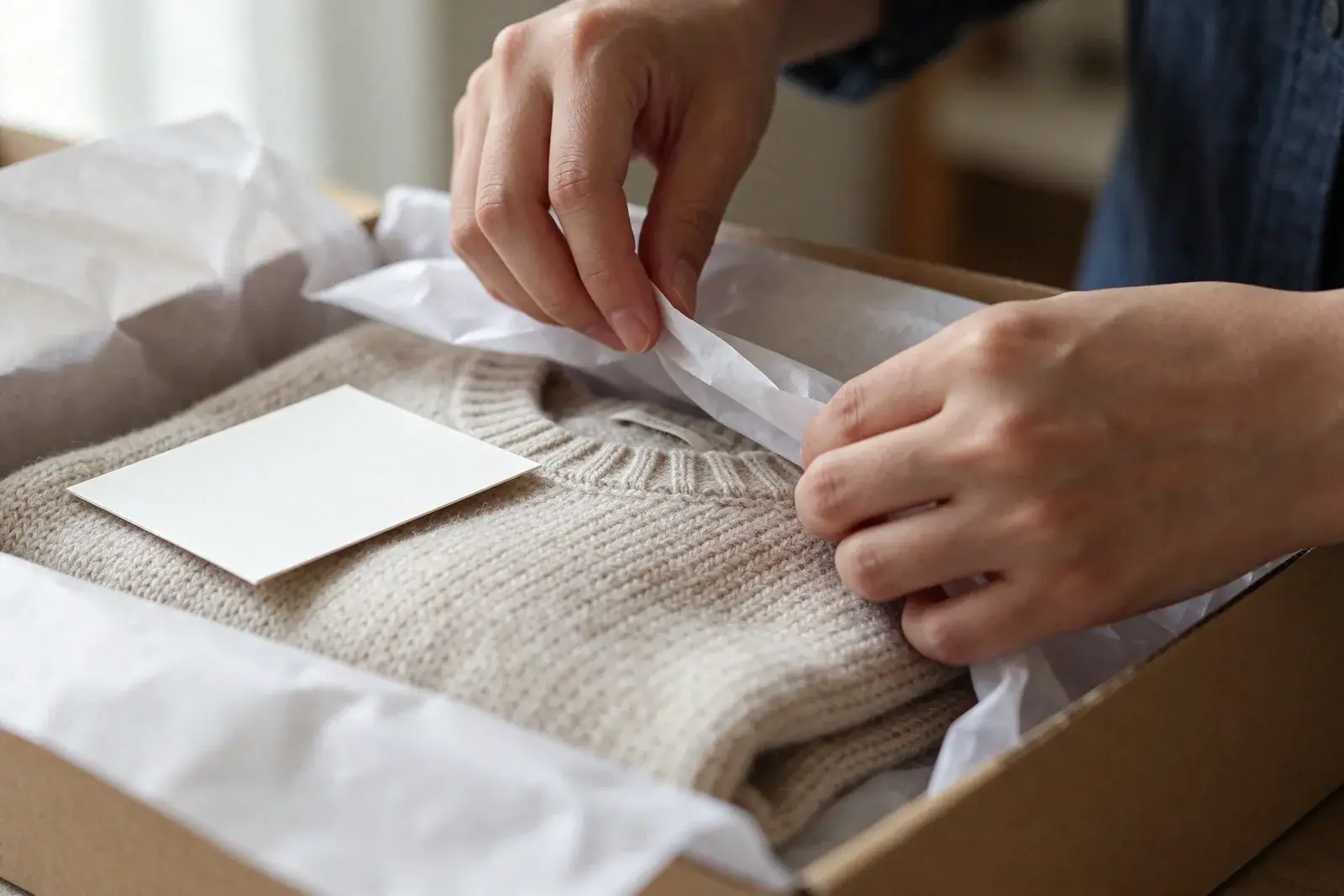
Once the order goes out, take care of delivery and packaging. A nice box with a handwritten card makes many people post a photo and tag you, and that post by someone else sells more than any ad of yours.
How to tell what works
Business account insights show which posts reached the most people and which led to profile visits or link taps. Look at those, not just the hearts. A photo with few likes that sent ten people to your store is worth more than a popular one that moved nothing.
Test one thing at a time for a couple of weeks: a different time of day, a different kind of photo, the price on the image. Note what you changed and what happened. After a few months you will have your own recipe, which is far more useful than any generic advice.
Don't lose heart if the numbers are small at first. Accounts that sell well usually have months of steady posting behind them. What matters is understanding a little better each month what your people like, and getting more of them from Instagram to your store.
Frequently asked questions
Do I need lots of followers to sell?
No. A few followers who live nearby and care about what you make sell more than thousands who never buy. Consistency matters more than the number.
How often should I post?
As often as you can keep up. Three posts a week and a few stories a day is a good pace to start.
Should I put the price in my posts?
Yes. Hiding the price generates messages, but it also makes many people leave without writing.
How do I use Selki with Instagram?
Put your Store link in your profile and share banners with each product's photo and price. From Selki you can share on WhatsApp, Instagram or with a QR code.