Sales
How to Organize WhatsApp Orders Without the Chaos
A simple system so WhatsApp orders never get lost: what to ask each customer, how to confirm orders and how to follow them through to delivery.

One December I had so many orders that I started writing them on the back of receipts, on napkins and in voice notes I sent to myself. On the night of the 23rd I realized I had promised the same cake to two people, and another customer, who had paid a week earlier, appeared nowhere at all. I spent Christmas Eve baking before dawn and apologizing.
WhatsApp orders don't get lost because WhatsApp is bad. They get lost because a chat isn't built for tracking orders: messages move, conversations mix and the details end up spread across ten bubbles. The fix is to take each order out of the chat as soon as it arrives and put it somewhere orderly.
Why orders get lost in the chat
A typical WhatsApp order arrives in pieces. First "hi, do you have the carrot cake?", then a photo, then a voice note with the address, two hours later "oh, and it's for Friday." If you are answering all that between twenty other chats, it is only a matter of time before something slips.
Add chats that sink when new messages arrive, customers who write from another number and orders agreed in person. Without a separate record, your memory is the only system, and memory doesn't have a great reputation in peak season.
In peak season this multiplies. Dates like Mother's Day or the end of the year bring two or three times as many orders, exactly when you have the least time to organize. If the system isn't in place beforehand, it collapses in those weeks. That is why it pays to get organized in a quiet month, when there is room to think.
What you need for every order
Every order, however small, needs the same details: what and how many, with size, color or flavor where relevant; the name and phone number of the person ordering; where and when it is delivered, or whether they pick up; how they will pay; and the total with shipping included.
If something is missing, ask for it all in one message. "To get it ready I just need the address, the delivery day and whether you are paying by transfer or cash." One complete message gets one reply; three separate questions get answered over a day.
The easiest is for the order to arrive complete. When the customer fills a cart in your Selki Store, the order arrives on your WhatsApp written out, with products, quantities and total, and you only fill in what is missing. You can see it from the customer's side at Ember & Bun, an example burger shop made with Selki: build a combo, open the cart and go as far as the WhatsApp button, no need to send it.
If someone works with you, the record also stops things getting lost in translation. Your sister knows what has to go out tomorrow without reading your chats, and you know which orders she confirmed. One place with every order is what lets you share the work without dropping anything.
A confirmation message and order statuses
Confirming in writing prevents almost every problem. Repeat the full order with the total and the date. For example:

Hi Ana. Confirming: 1 medium carrot cake and 6 oat cookies. Total 32 including delivery. Delivered Friday between 3 and 5 at your place. You can pay by transfer and send me the receipt.
After that, give each order a status and move it when things change. Four are enough: new (arrived but not confirmed), confirmed (details complete and payment agreed), ready (prepared and waiting for delivery) and delivered. A glance at how many sit in each status tells you instantly how your day is going.
Selki's order inbox works like this: in Orders, the To handle tab gathers what is new and what is in progress. You open an order and move it forward with one tap (Confirm order, Start preparing, Mark on the way, Mark delivered), and under WhatsApp messages you have templates to update the customer at each step. The customer can upload their proof of payment and follow the order with a link, and you get an alert whenever a new one arrives. When you deliver, you tap Charge and it is recorded as a sale in Cash. Everything the app does is at selki.app.
How not to sell what you don't have
The worst moment for any seller is confirming an order and finding out there is none left. To avoid it, stock has to be current and go down with every sale. If you set products aside for confirmed orders, deduct them immediately, even before delivery.
In peak season, check stock of your best sellers every morning. And if something is about to run out, mark it in the store before anyone asks. I explain how to keep track without fuss in inventory management for a small store.
If it happens anyway, say so right away. An honest message like "Ana, I'm sorry, I got the stock wrong and the chocolate cake has sold out. Shall I swap it for vanilla or refund you?" saves the relationship almost every time. What doesn't save it is silence until delivery day.
Close the day by reviewing what is pending
This habit changed my life more than any other. Before turning off the phone, ten minutes: go through orders still marked new and reply to whatever is missing; look at tomorrow's deliveries and get everything ready; check that the payments you expected have arrived.
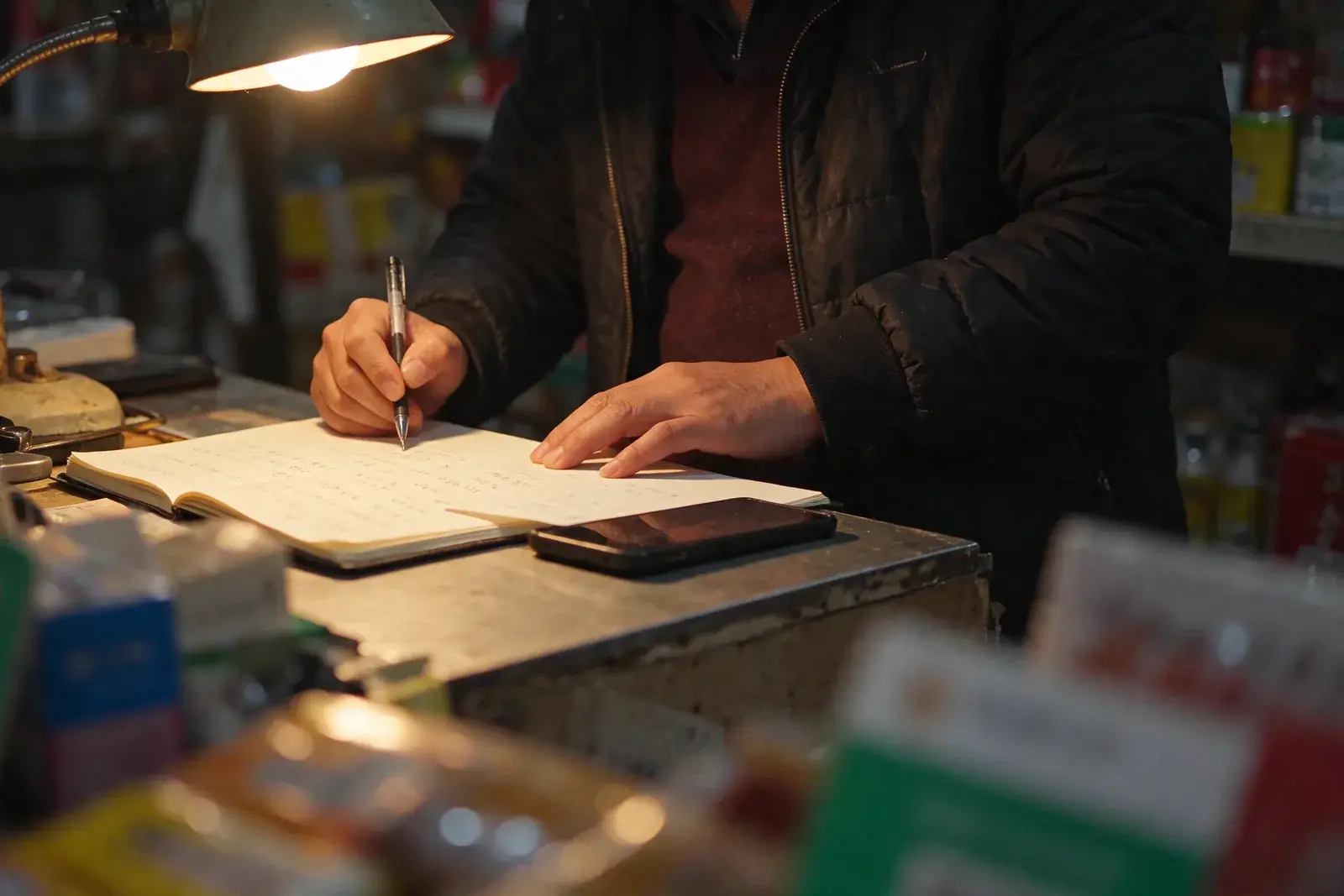
At the end of the week, look at how much you sold through orders and add it to your accounts, if your app doesn't do it for you. With your cash flow up to date you will know how much each week really left you.
And if you are still working out how to sell by chat, how to sell on WhatsApp covers everything from your profile to getting paid. Order doesn't take the warmth out of how you treat people; if anything, it leaves you time to look after it.
Frequently asked questions
What if a customer changes the order after confirming?
Update it in your records and confirm the full order again with the new total. That way neither of you is left holding the old version.
How do I avoid forgetting orders?
Log each order as soon as it arrives and review pending ones at the end of the day. Never leave them only in the chat.
Should I always ask for proof of payment?
If they pay by transfer, yes. Don't prepare the order until you see the receipt.
How does Selki help with orders?
You get an order inbox with statuses, message templates, proof of payment, a tracking link for the customer and an alert when an order arrives. When you deliver, you turn it into a sale.