Products
Product Categories and Variants: How to Organize Them
How to group products into categories and handle sizes, colors and versions with their own stock so your customers can find everything.

A while ago I helped a friend tidy up her online clothing store. She had "White blouse S," "White blouse M," "White blouse L," "Black blouse S" and so on, up to seventy products that were really eight. People got dizzy scrolling and scrolling, and she was going crazy updating stock for each one. We merged everything into eight products with their sizes and colors, set up five categories, and suddenly the store looked like a different place.
A store's organization goes unnoticed when it is done well. You notice when it is missing: the customer can't find what they want, gets tired and leaves. With clear categories and well-built variants, everything gets easier for the buyer and for you.
Why organization matters
People who come into your store usually know roughly what they are after. They want to go straight to "Earrings" or "Cakes," not scroll the whole catalog. If the categories match how your customers think, they get there in two taps. If not, they get lost.
Organization helps you too. With products well grouped you know what you have, what moves and what is missing, and inventory becomes much easier.
There is a simple test to see whether your store is organized: ask someone who doesn't know your business to find a specific product on their phone, without help. Watch where they tap, where they hesitate, how long it takes. If they haven't found it in three taps, the problem isn't them, it is the categories. That two-minute test teaches you more than any theory.
How to create clear categories
Use the words your customers would use, not internal terms. "Necklaces," "Earrings," "Bracelets" are understood instantly; "Luna Collection" says nothing to someone who doesn't know you. Each product should clearly fit into one category, no doubts.
Four to eight categories work for almost any small business. If one grows too big, that is when splitting it into subcategories pays off. For example, "Clothing" with "Blouses," "Trousers" and "Dresses." One level of subcategories is enough; more levels turn the store into a maze.
In Selki you handle categories from Edit categories: tap New, give it a name and, if needed, choose which one it sits inside so it becomes a subcategory, one level deep. With Sort categories you move them so the best sellers come first. See how Linen & Loam, an example clothing store made with Selki, solves it: just three categories on top, Women, Men and Accessories, and inside each one the subcategories for dresses, shirts or pants.
A warning I learned the hard way: don't create categories for things you might have someday. A category with one product, or none, makes the store feel half-finished. Better a few full ones than many thin ones. When you really have enough new products, open the category then.
What a variant is and when to use one
A variant is a version of the same product that differs in one specific way: size, color, format, flavor, scent. The white blouse in size S and in size M is one product with two variants. So are the lavender candle and the vanilla one.

The rule for deciding is simple: if the customer just needs to pick an option within the same listing, it is a variant. If what the product is changes, it is another product. A blouse and a dress in the same color aren't variants; they are two products.
Some cases are less clear. The same necklace in silver and in gold can be a variant if only the material and price change. But if the gold one has a different shape, description and photos, it is better as a separate product. When in doubt, think about how the customer would look for it.
Seventy almost identical products confuse. Eight products with their options make sense at a glance.
Variants have plenty of advantages: one listing with one description and one set of photos, customers compare options without jumping between pages, and your catalog looks clean. For the description that covers all the variants, see how to write product descriptions that sell.
Stock and price for each variant
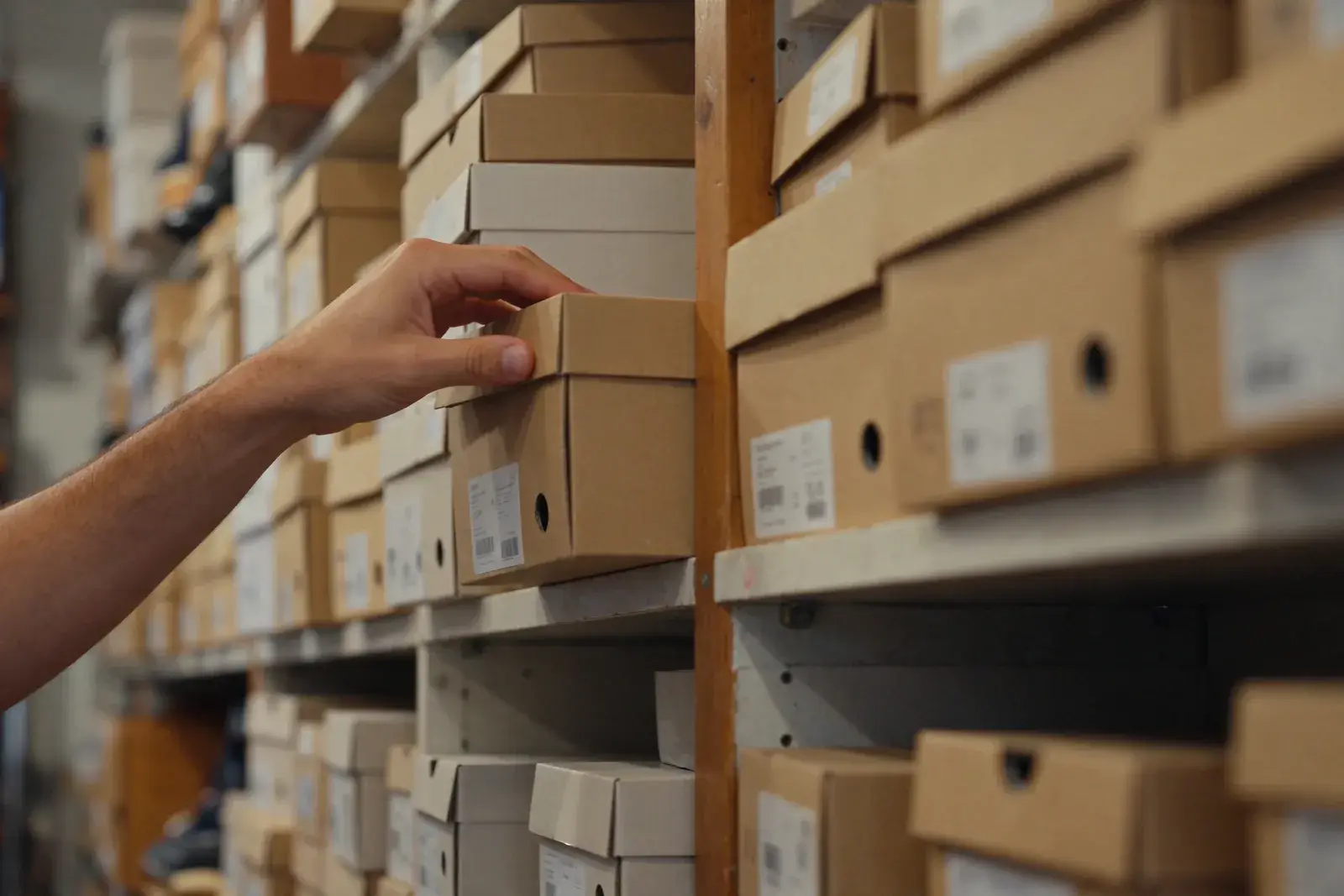
This is the part that saves the most trouble. Each variant needs its own stock. Knowing you have ten blouses is no use if you don't know how many are size M. When one size sells out, only that one should show as sold out, while the rest stay on sale.
Price can vary too. A large cake costs more than a small one; a 500 ml jar more than a 250 ml one. If the price is the same for all, great; if not, give each variant its own.
Photos deserve the same care. If the product comes in three colors, show all three. Nothing causes more returns than a customer who chose green while looking at a photo of blue. With one photo per variant, or at least one photo showing them all together, people choose with confidence.
In Selki each variant can have its own stock and price. When you create the product you add the group, for example Size or Color, type the options and decide whether each one keeps its own stock. When you sell one, only that variant's stock goes down, and if it sells out, the customer sees it straight away. At Aurelia Atelier, an example jewelry store made with Selki, the signet ring comes in gold and in silver, each metal with its own price, and in four sizes.
Featured products, order and regular reviews
Within each category, order says something too. What is seen first is what gets looked at most, so put your best sellers or the ones with the best photos at the top. Mark as featured the products you want to push this week; in Selki they appear first in your Store.
Sold-out products need a decision. If they are coming back soon, mark them as sold out so people know they exist. If you don't know when they return, hide them so nobody gets their hopes up for something that isn't there. Selki lets you do both, and selki.app shows everything else the app does.
And once a month, review the order. Are there nearly empty categories worth merging? Products in the wrong place? Featured items that no longer make sense? Ten minutes of review keeps your digital catalog as clear as on day one.
Frequently asked questions
How many categories should I have?
Between four and eight works for most small businesses. With more, people get lost.
When do I use a variant and when a separate product?
If it is the same product and only the size, color or format changes, it is a variant. If what it is changes, it is another product.
Can each variant have its own price?
Yes, and it is worth it when a large size costs more than a small one. In Selki each variant can have its own stock and price.
What do I do with sold-out products?
Mark them as sold out if they are coming back soon, or hide them if you don't know when. That way nobody orders something that isn't there.